
Table of Contents


Ready to create more pipeline?
Get a demo and discover why thousands of SDR and Sales teams trust LeadIQ to help them build pipeline confidently.


.png)

Lando now has his own navigation item and settings page in the LeadIQ web app.
He's also docked directly inside the Chrome extension, right under the Capture button.
Same skills and context in both places, available now to all UC customers.
Get a demo and discover why thousands of SDR and Sales teams trust LeadIQ to help them build pipeline confidently.
A rep is three profiles deep into a LinkedIn search, capturing contacts one at a time. They hit someone with no visible email showing, exactly the moment Lando is built for. Except until now, getting his help meant leaving that page to open a separate panel, or switching over to a different app entirely.
Lando's two latest moves are both about closing that gap. He's docked right under the Capture button inside the Chrome extension, so reaching him doesn't mean stepping away from the page you're already working. And he now has his own spot in the LeadIQ web app too, with a dedicated navigation item and settings page instead of a menu you have to go find.
Lando helps you wherever you work. Whether you're prospecting in your browser, or working from the web app, he's docked right there, not tucked into a separate panel or a different login.
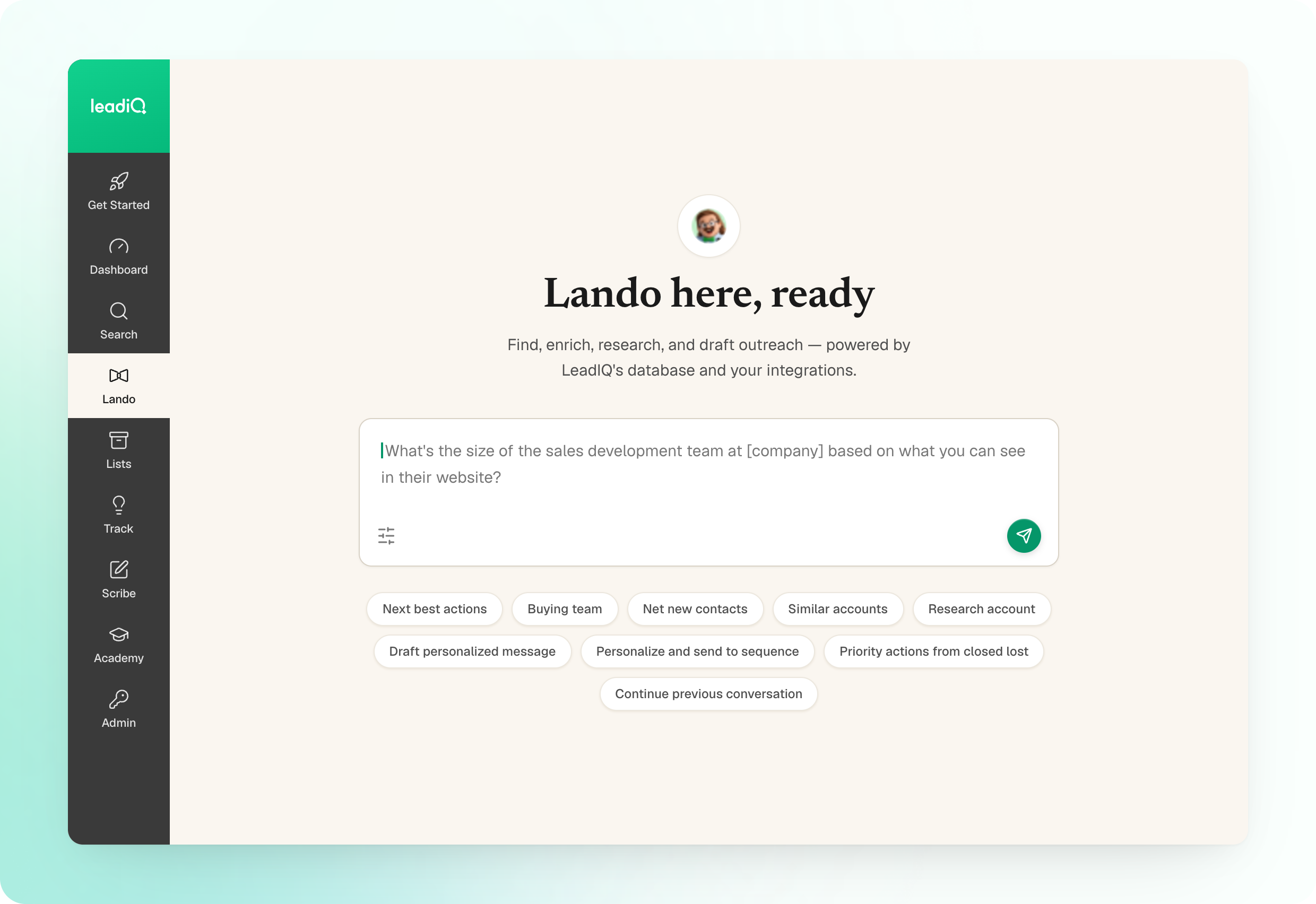
He can act, not just answer. Ask him to unlock an email or phone, or capture a lead, and he'll do it right from wherever you're already working.
He already knows what you're looking at. In the extension, Lando has the context of whatever prospects and companies are on screen. In the web app, his settings, Instructions and Conversation Starters, carry over from the extension, so he's not starting from scratch.
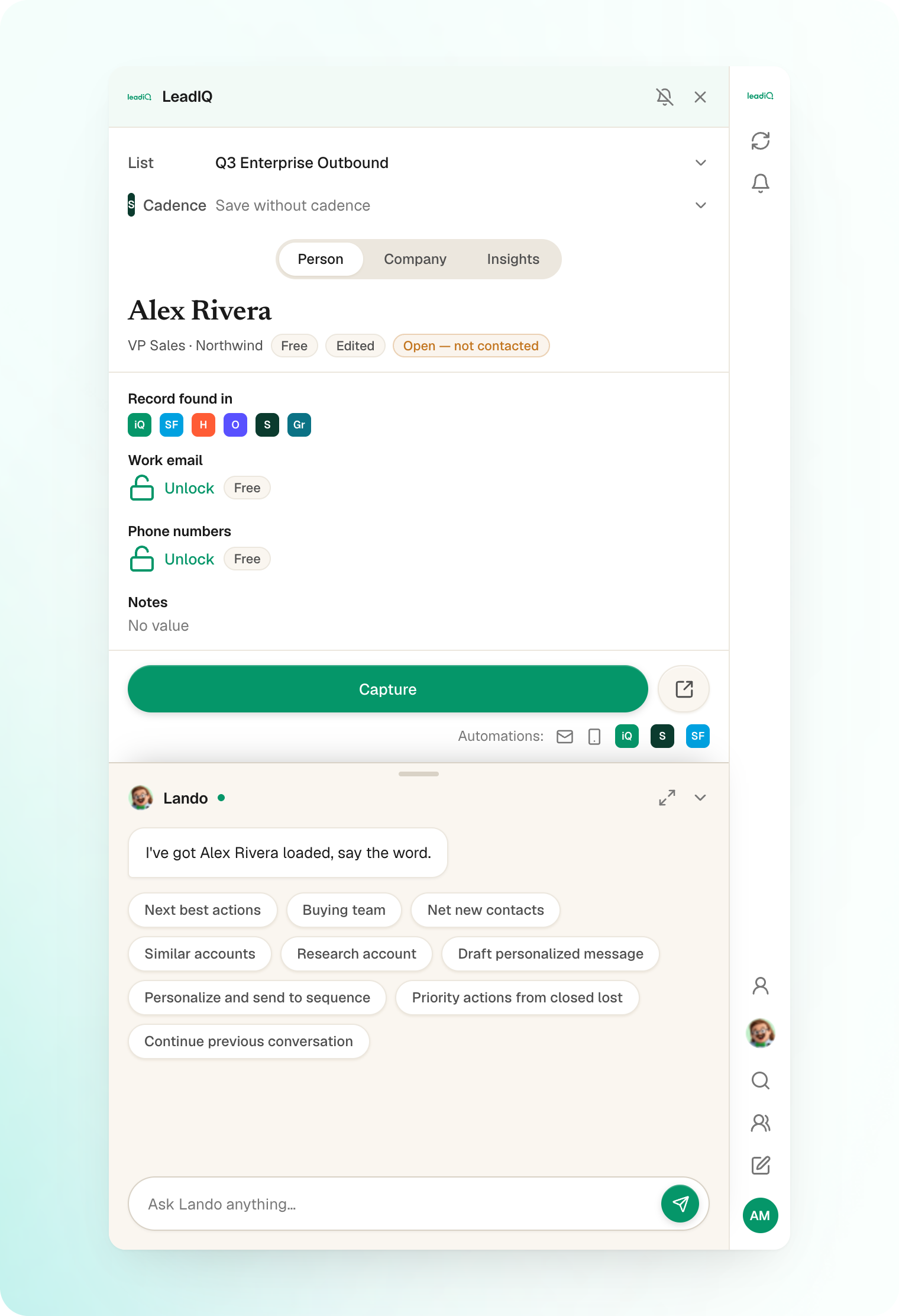
Open your Chrome extension and look for Lando docked under Capture, or find him under his own nav item in the web app.
Questions? Reach out to your AM or our help center.

.png)