
Table of Contents


Ready to create more pipeline?
Get a demo and discover why thousands of SDR and Sales teams trust LeadIQ to help them build pipeline confidently.




Chewie by LeadIQ is live. It's LeadIQ's standalone prospecting platform, and it does the prospecting work until a person takes over for the conversation.
One line starts a full play. Chewie finds the buying team on LeadIQ's verified data, spots a reason to reach out, writes each email for one person and lines up the calls.
Your team stays in charge. Every message waits for a person by default, and every team gets 1,000 free universal credits to test it.
Get a demo and discover why thousands of SDR and Sales teams trust LeadIQ to help them build pipeline confidently.
Today we're launching Chewie by LeadIQ. Chewie is LeadIQ's standalone prospecting platform. It does the prospecting work, from finding accounts to researching, writing and dialing, until a person takes over for the conversation.
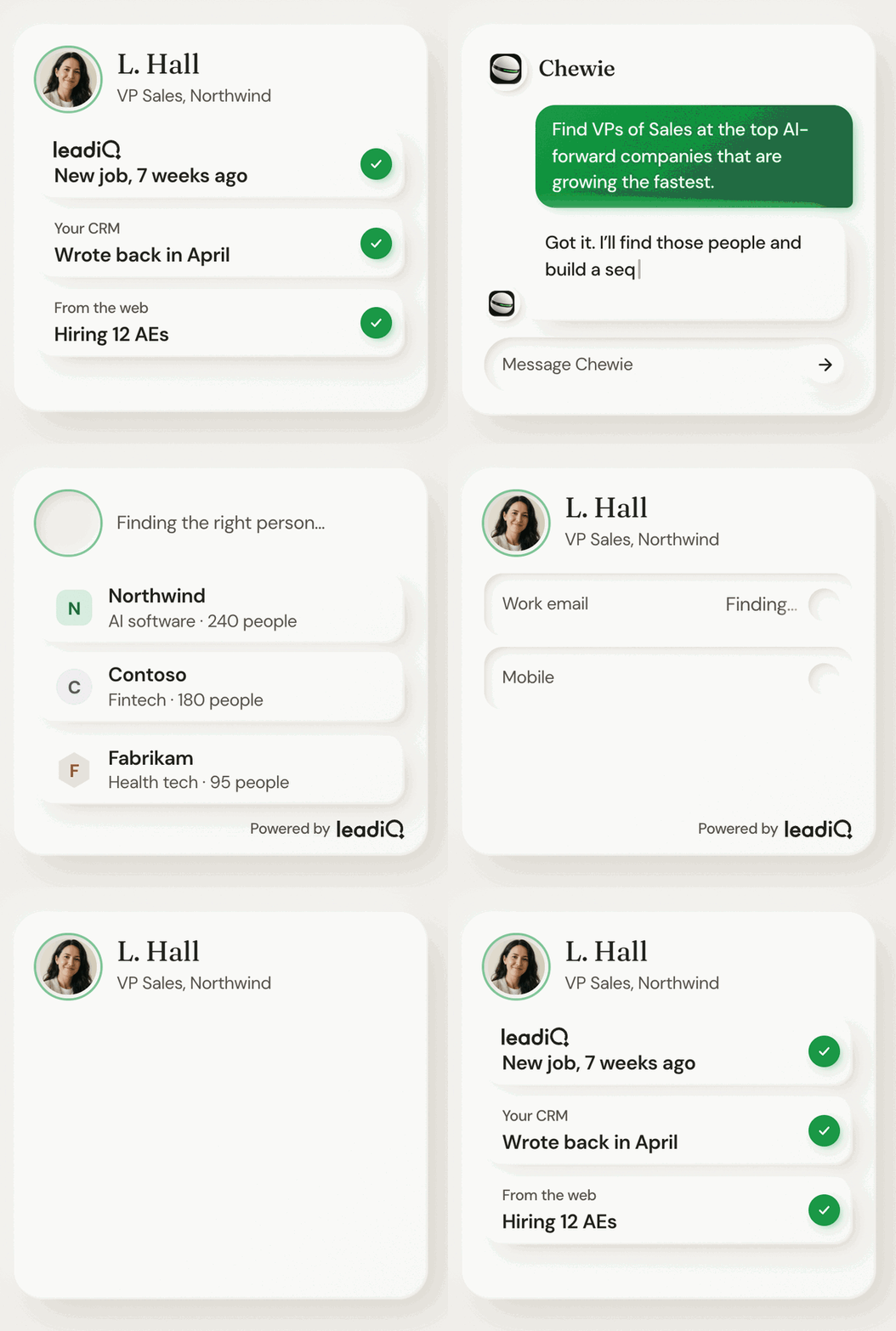
You describe who you want to reach in plain words. Chewie turns that into a play and runs it on LeadIQ's verified data, and your team approves what goes out.
Most prospecting happens before anyone says hello. Someone has to pick the accounts, find the right people, work out why now, write the email and line up the call. Done by hand, that work fills the week and leaves less time for conversations with buyers.
LeadIQ has spent years making the data side of that work faster. Chewie takes on the rest of it, so your reps can spend their time where a person makes the difference.
Here's one play, from the first line you type to the first call.
Approval is the default: every message waits for a person. Automatic sending is a setting you can turn on.
Chewie also keeps a log of what it looked at and why, so you can see how it made each decision. We trust it with our own pipeline too: our account management team runs its plays end to end on Chewie.
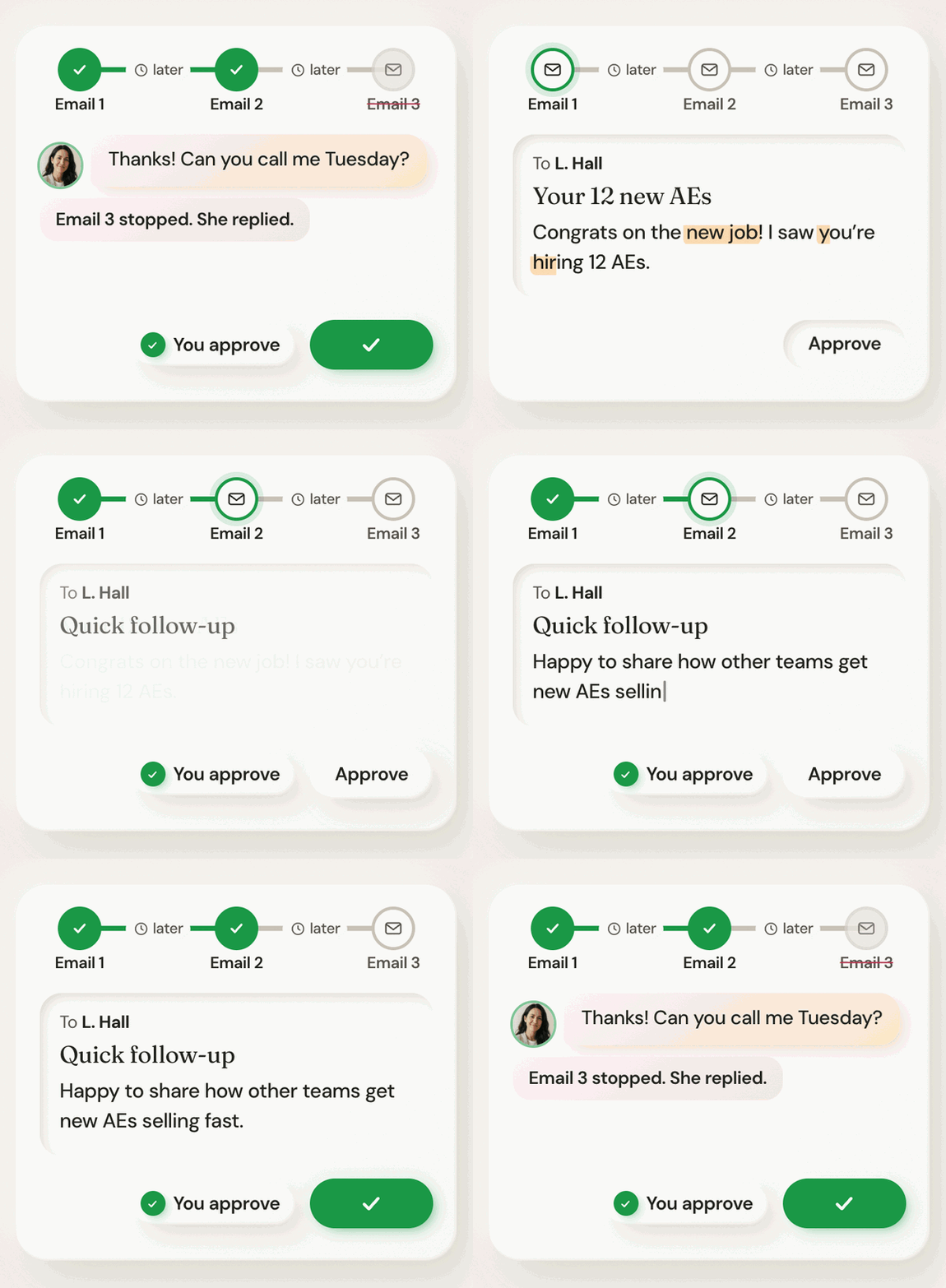
Chewie is live today, and every team that turns it on gets 1,000 free universal credits to test it.
What is Chewie?
Chewie is LeadIQ's standalone prospecting platform. It does the prospecting work until a person takes over for the conversation.
Does Chewie send emails on its own?
Approval is the default: every message waits for a person. Automatic sending is a setting you can turn on.
Does Chewie make calls?
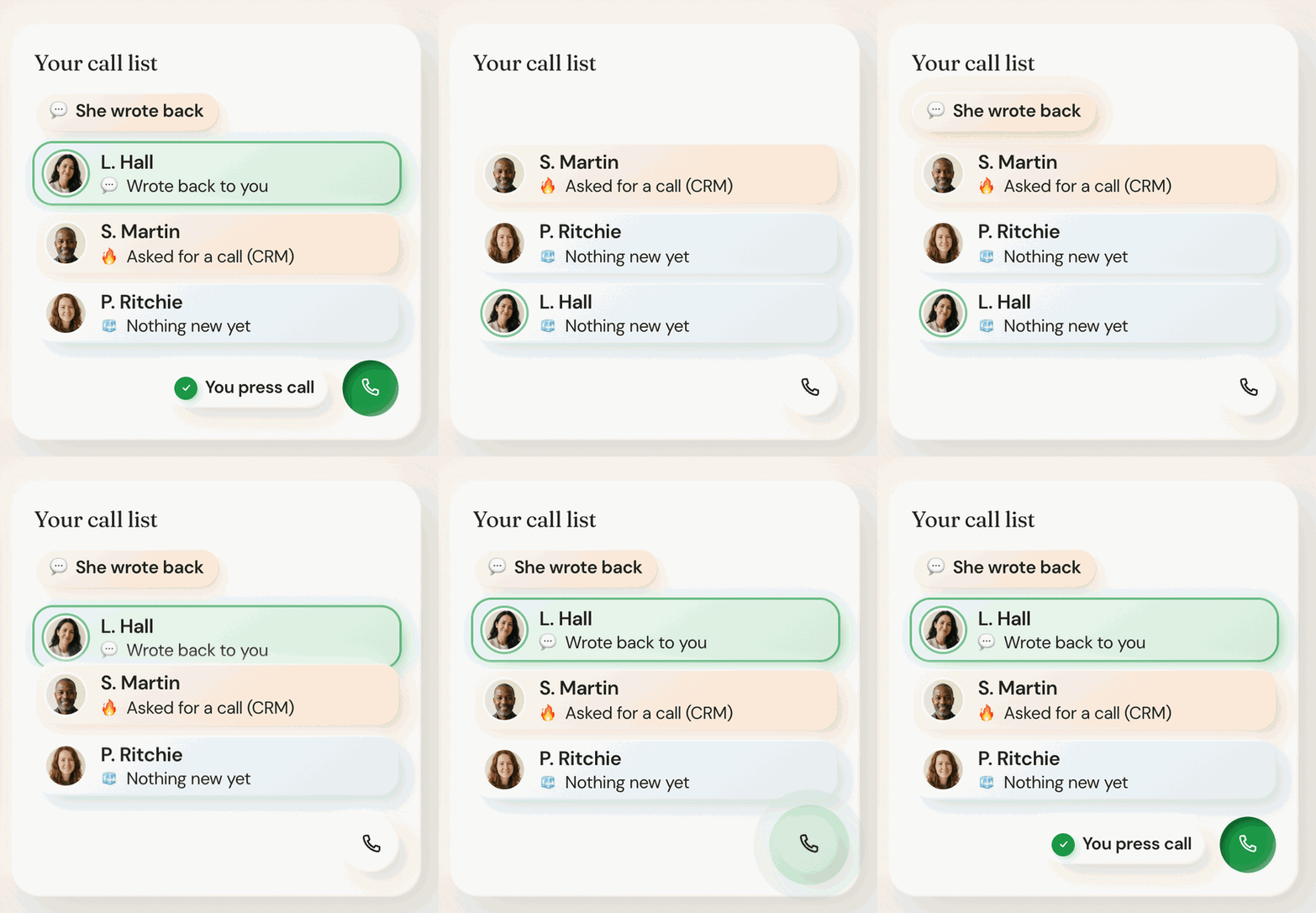
No. Chewie lines up the call list in the built-in power dialer, and a person makes every call.
Where does Chewie's data come from?
Contacts come from LeadIQ's verified data, with web search as a fallback. Signals come from LeadIQ data and outside signal providers, and Chewie also reads your CRM.
Does Chewie change anything in my CRM?
No. Chewie reads your CRM so it knows who you already talk to.
How do I try it?
LeadIQ customers sign in with their LeadIQ login or ask their account manager to turn it on. Every team gets 1,000 free universal credits to test it.