
Table of Contents


Ready to create more pipeline?
Get a demo and discover why thousands of SDR and Sales teams trust LeadIQ to help them build pipeline confidently.



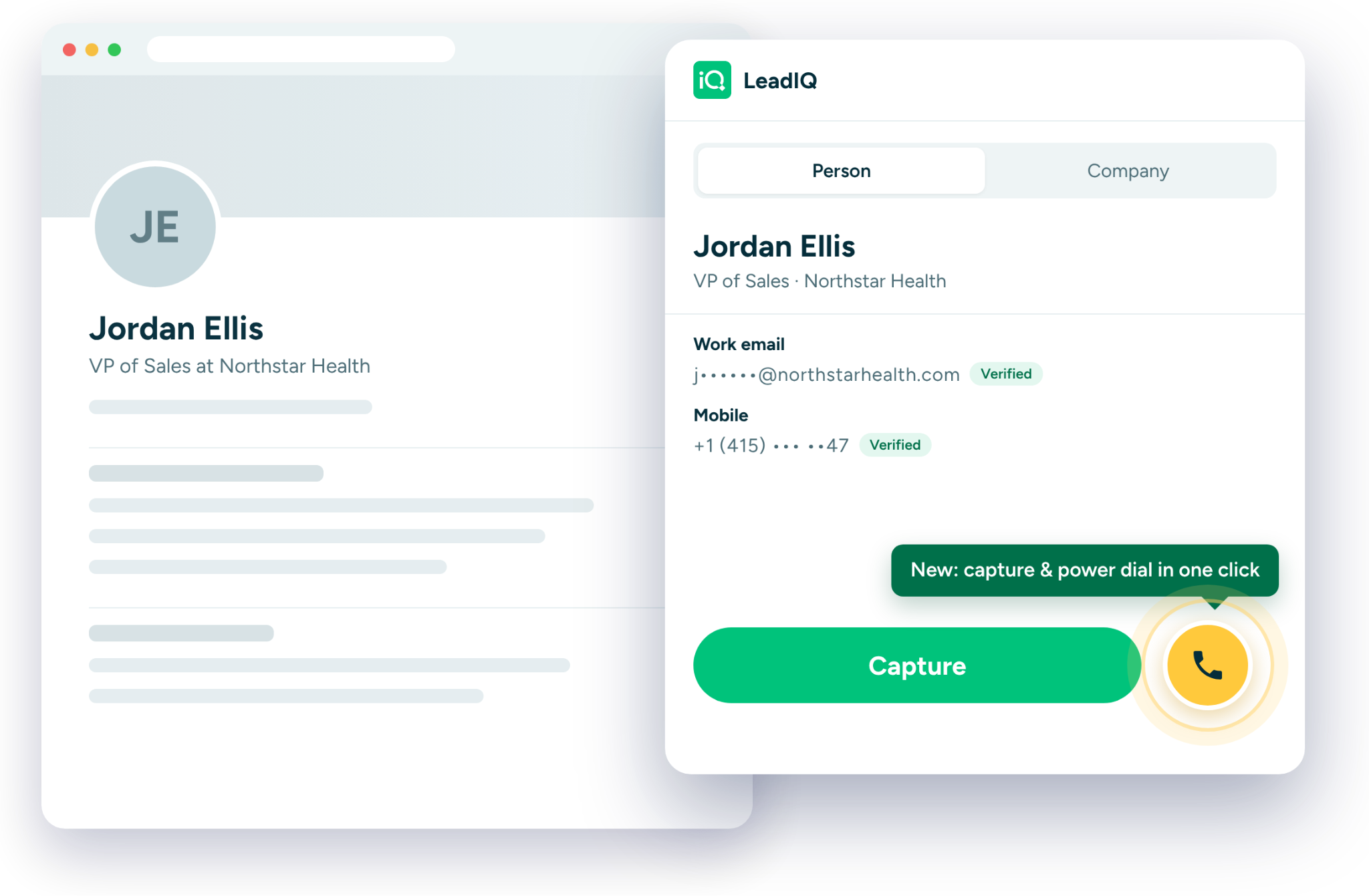
Capture and call in one click. The Power Dialer lives in the LeadIQ Chrome extension, so you can save a lead and start the call from the profile you’re already on.
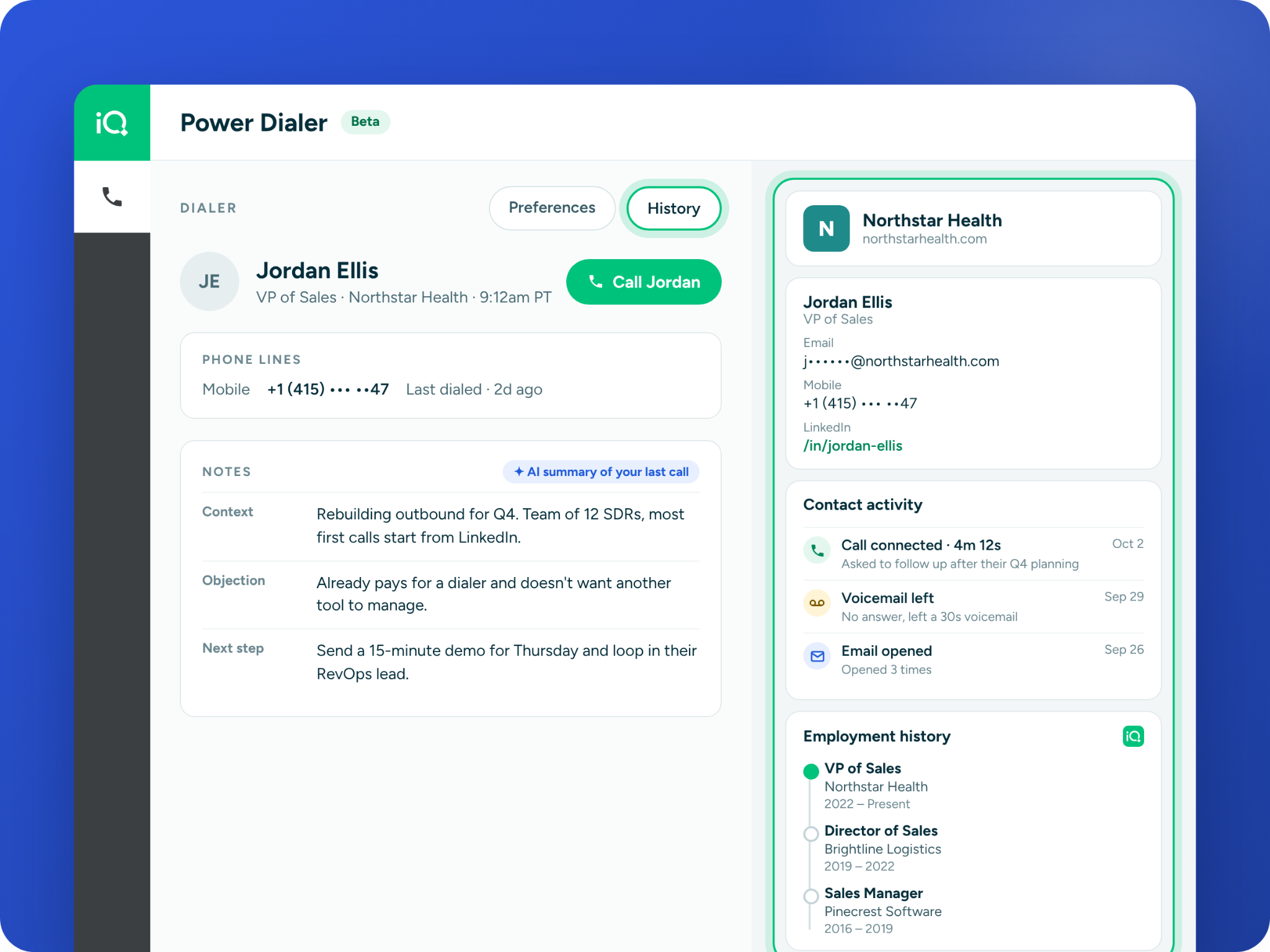
Context on every call. While the phone rings, a side panel shows your past activity with the contact and their employment history, so you can open with something relevant.
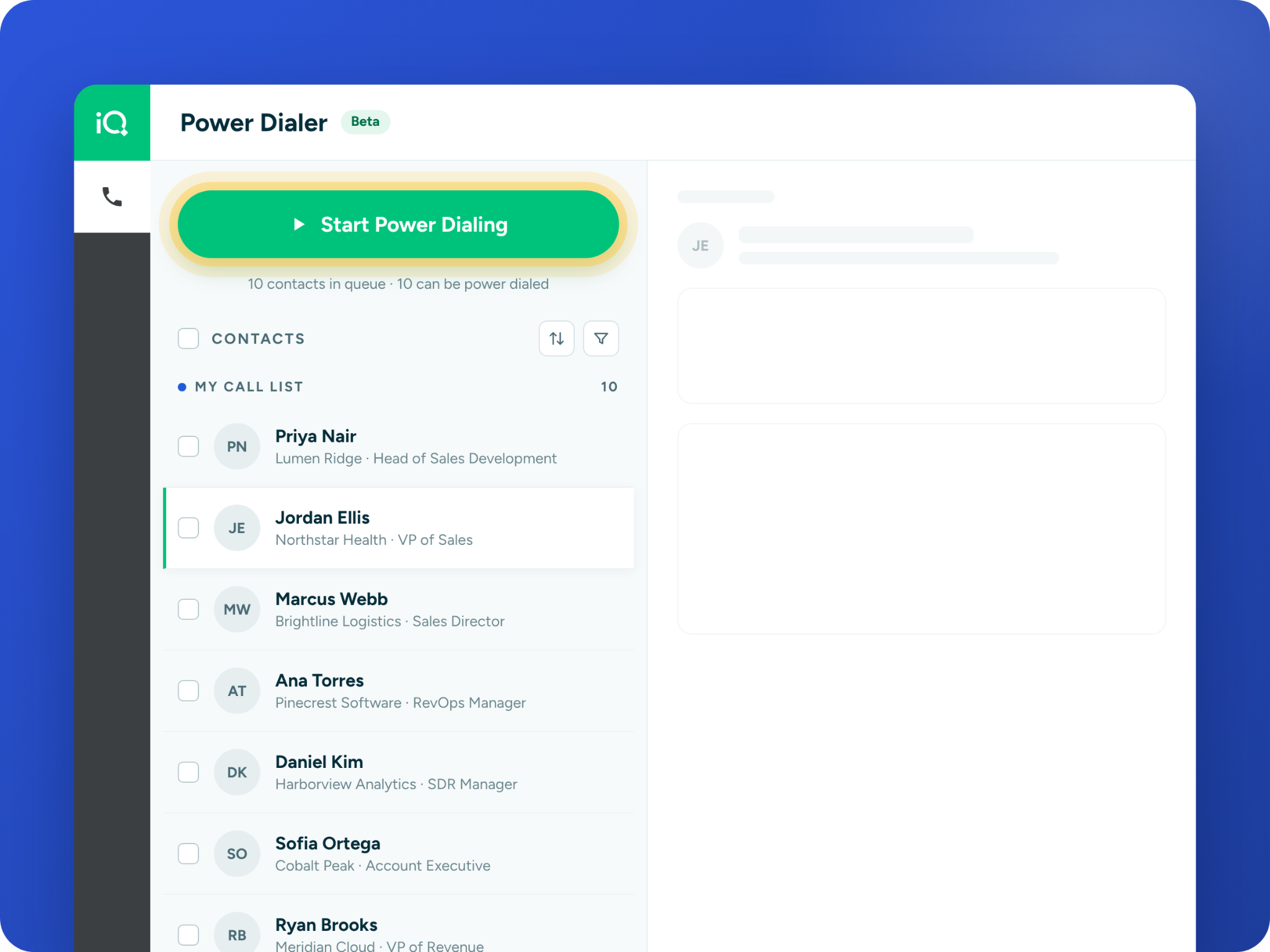
One queue that keeps moving. Leads from the extension and web app lists land in a single queue, and rejected calls hand off to the next lead automatically.
Get a demo and discover why thousands of SDR and Sales teams trust LeadIQ to help them build pipeline confidently.
Most reps find a lead in one place and call them from another. You spot the right person, copy their number, switch tabs, paste it into a dialer, and then try to remember who they are while the phone rings.
We built the Power Dialer to close that gap. Starting today, LeadIQ customers can capture a lead and call them from the same screen, and it’s free during the beta.
The Power Dialer lives in the LeadIQ Chrome extension you already use. When you find someone worth calling, hit Capture + Dial. The lead saves to LeadIQ and the call starts, all from the profile you’re looking at.
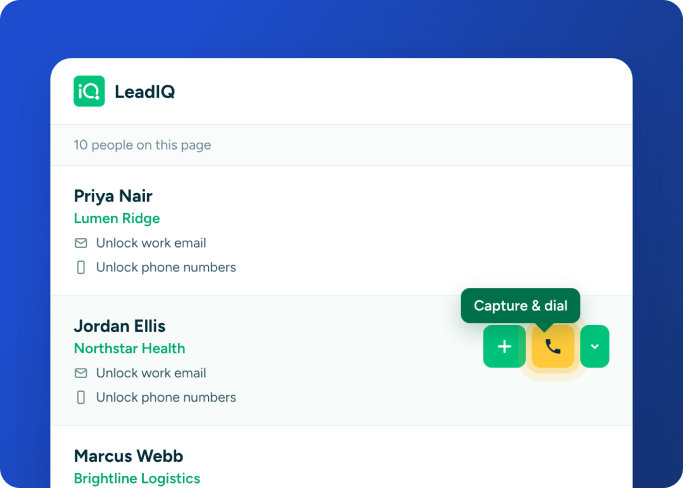
You can also capture from a list of people. Hover over any contact and the dial button shows up right next to the capture button.
While you dial, a side panel pulls up everything you need for the conversation. You get their lead info and your activity with them, like past calls and voicemails. Their employment history is there too, so you can open with something better than “is now a bad time?”
Everyone you capture in the extension, or send from a list in the LeadIQ web app, lands in a single dialer queue. Hit Start Power Dialing and work through it in one call block.
When someone rejects the call, the dialer moves you to the next lead on its own. No clicking around between calls, and no losing momentum halfway through your block.
The Power Dialer is built for reps who’d rather be on the phone. If you capture leads in the LeadIQ extension every day, you can now call them right after you capture them. If you build lists in the web app, you can send them straight to the dialer and start calling.
The Power Dialer is free for LeadIQ customers while it’s in beta. Request access and we’ll email you as soon as your seat is ready.

.png)