

LEADIQ MCP
MCP prompt library
Copy-and-paste prompts for every step of your sales workflow. Paste into your preferred AI tool, get results in seconds.

LEADIQ

MCP

AI TOOL
POWERED BY LEADIQ MCP
Thank you! Your submission has been received!
Oops! Something went wrong while submitting the form.
Prospecting
Pull a territory dashboard before your weekly pipeline review
Get a full territory snapshot — top accounts, key contacts, champion movements, and ICP fit — formatted and ready for your pipeline meeting.

Using LeadIQ, pull a territory dashboard for my [segment, e.g. North America Mid-Market] ahead of my weekly pipeline review. Include:
1. Top 10 accounts by ICP fit (industry: [industry], size: [company size], region: [region])
2. For each account: company name, top 2 contacts with verified emails and phone numbers, and any open opportunities in [CRM, e.g. HubSpot / Salesforce]
3. Any champion movements detected in the past 7 days
4. Accounts with stale or missing contact data that need to be re-enriched Format the output as a structured table I can paste into my pipeline review doc.

Read the playbook

Champion Tracking
Alert me automatically when a champion moves (Claude Cowork)
Set up a recurring Cowork routine that monitors your key contacts and flags the moment someone changes companies with new contact info ready to go.
Set up a weekly Cowork routine that runs every [day, e.g. Monday] at [time, e.g. 8am]. Using LeadIQ champion tracking, check if any of these contacts have changed jobs in the past 7 days: [paste list of contact names and their previous companies] For anyone who has moved, return:
- Their new company and title
- Verified work email and direct phone number at the new company
- A suggested 3-sentence outreach message referencing the previous relationship Send me a summary even if no changes are detected.
Champion Tracking
Check if a champion has changed jobs
Run an on-demand check on a key contact to see if they've moved companies, and get a suggested outreach message if they have.
Using LeadIQ, check if [contact name], previously [title] at [company name], has changed jobs. If they have moved:
- Provide their new company, title, and location
- Find their verified work email and direct phone number at the new company
- Write a short, warm outreach message (3–4 sentences) referencing our previous relationship and congratulating them on the new role If they have not moved, confirm their current contact details are still valid.
Account Research
Identify buying committee members for multi-threaded outreach
Map every decision-maker and influencer at a target account so your team can run coordinated, multi-threaded outreach.
Using LeadIQ, pull the full buying committee for [company name]. Find contacts across these functions: [e.g. Sales, RevOps, Finance, IT]. Include anyone at the [seniority level, e.g. Director] level or above. For each contact include:
- Full name and current title
- Verified work email and direct phone number
- LinkedIn URL
- Seniority level (Director, VP, C-suite) Organize the output as a table grouped by department.
Prospecting
Surface ICP-fit accounts with verified contacts and push to Outreach
Define your ICP, get a verified contact list, and push it straight to your sequencing tool in one prompt.

Using LeadIQ, find 10 accounts that match this ICP: [industry, e.g. B2B SaaS], [company size, e.g. 100–500 employees], [region, e.g. North America]. For each account, pull the top 2 contacts in [job function, e.g. Sales, RevOps, or Marketing] at the VP level or above. For each contact include:
- Verified work email
- Direct phone number
- LinkedIn URL
- Current title and company Then push all contacts to [HubSpot / Outreach] as new records and enroll them in [sequence name].
Account Research
Build a prospect list from a job posting or news trigger
Get a full account snapshot — news, contacts, and open opps — in one prompt.
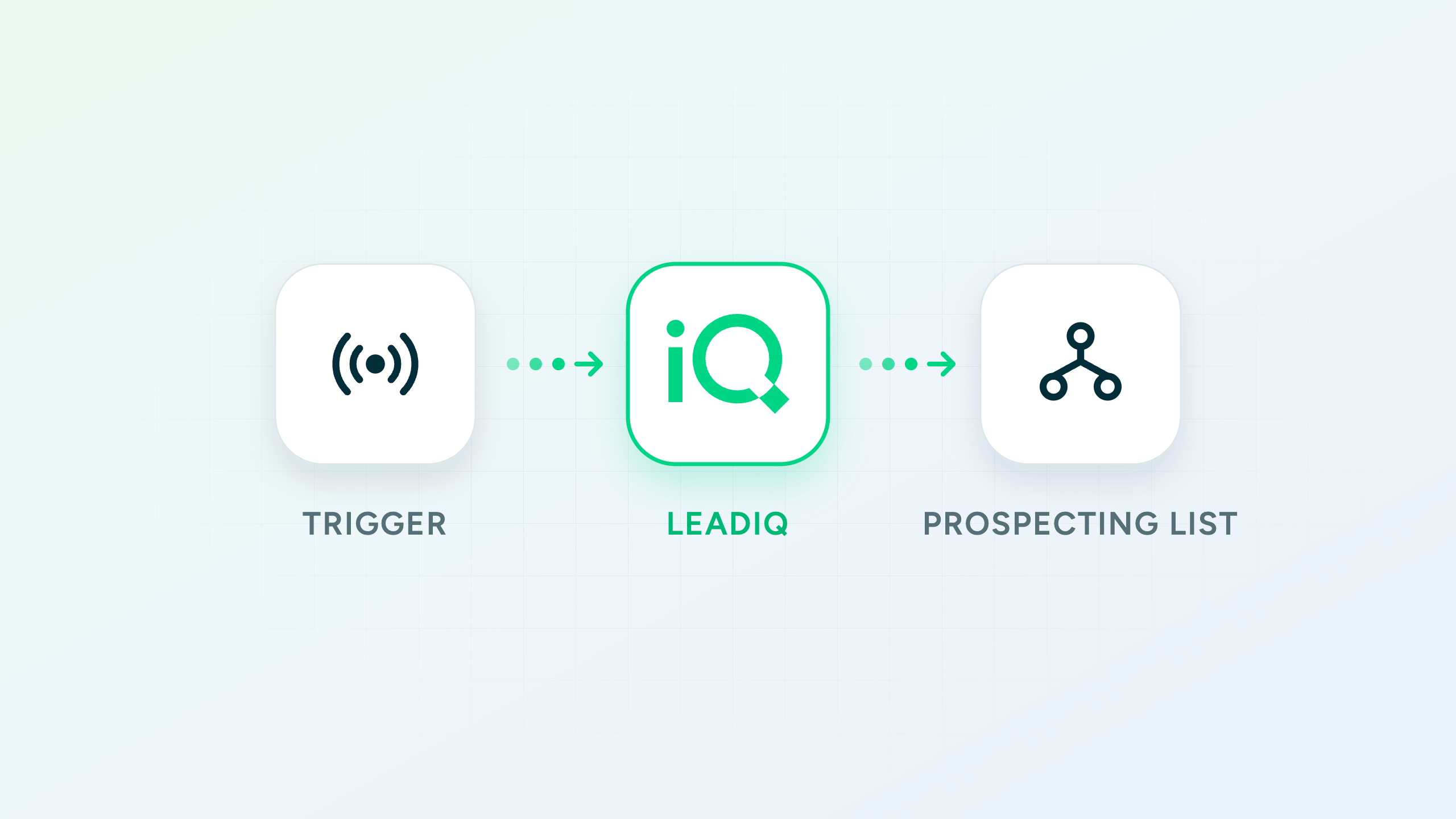
[Company name] just posted a job for [job title] and recently [news trigger, e.g. announced a Series B / launched a new product / appointed a new CRO]. Using LeadIQ, find the top 5 contacts at [company name] who would be relevant to reach out to given this context — focus on [relevant functions, e.g. Sales leadership, RevOps, C-suite]. For each contact include:
- Verified work email
- Direct phone number
- LinkedIn URL
- Current title Then write a one-sentence personalized outreach angle for each contact based on the signal.
Use LeadIQ data anywhere you work.
Lando, MCP, and API are all included in your LeadIQ plan.
No add-ons, no upsells.

Live MCP access in 5 minutes
Works with Claude Desktop, Claude.ai, and Claude Cowork
Simplified billing: pay for Universal Credits, use them however you want
No credit card. Live in 5 minutes.