
Table of Contents


Ready to create more pipeline?
Get a demo and discover why thousands of SDR and Sales teams trust LeadIQ to help them build pipeline confidently.


.png)

Every email gets a fresh verification pass right before it syncs to Outreach, unless it was already verified in the last 48 hours.
Invalid emails get flagged automatically instead of landing in a live sequence and bouncing on the first send.
It's on by default for every org today. Admins can review the setting under Group Governance.
Get a demo and discover why thousands of SDR and Sales teams trust LeadIQ to help them build pipeline confidently.
A rep pulled a contact into an Outreach sequence last week. The email had been sitting in your prospecting list for two months, captured back when it was still accurate. By the time the Outreach sequence kicks off, the address has gone stale, and the first touch bounces before the prospect ever sees it.
That gap between when an email gets captured and when it actually gets used is where most bounces come from. Data is fresh the moment you capture it, but it goes bad if it's just sitting in a list waiting for someone to run the sequence.
LeadIQ now closes that gap. Before an email syncs to Outreach, it runs through verification again, so what lands in your sequence reflects the address as it stands today, not as it stood when you first captured it.
A second check happens right before send. If an email was verified in the last 48 hours, LeadIQ skips the re-check. Anything older gets verified again before it reaches Outreach.
Invalid emails get caught earlier. If the re-check comes back invalid, the outcome matches LeadIQ's existing re-verification behavior: the address gets swapped out before it ever has a chance to bounce inside your sequence.
It's already on. The setting is enabled for every org by default and lives in Group Governance settings, so admins can see it and adjust it without opening a ticket.
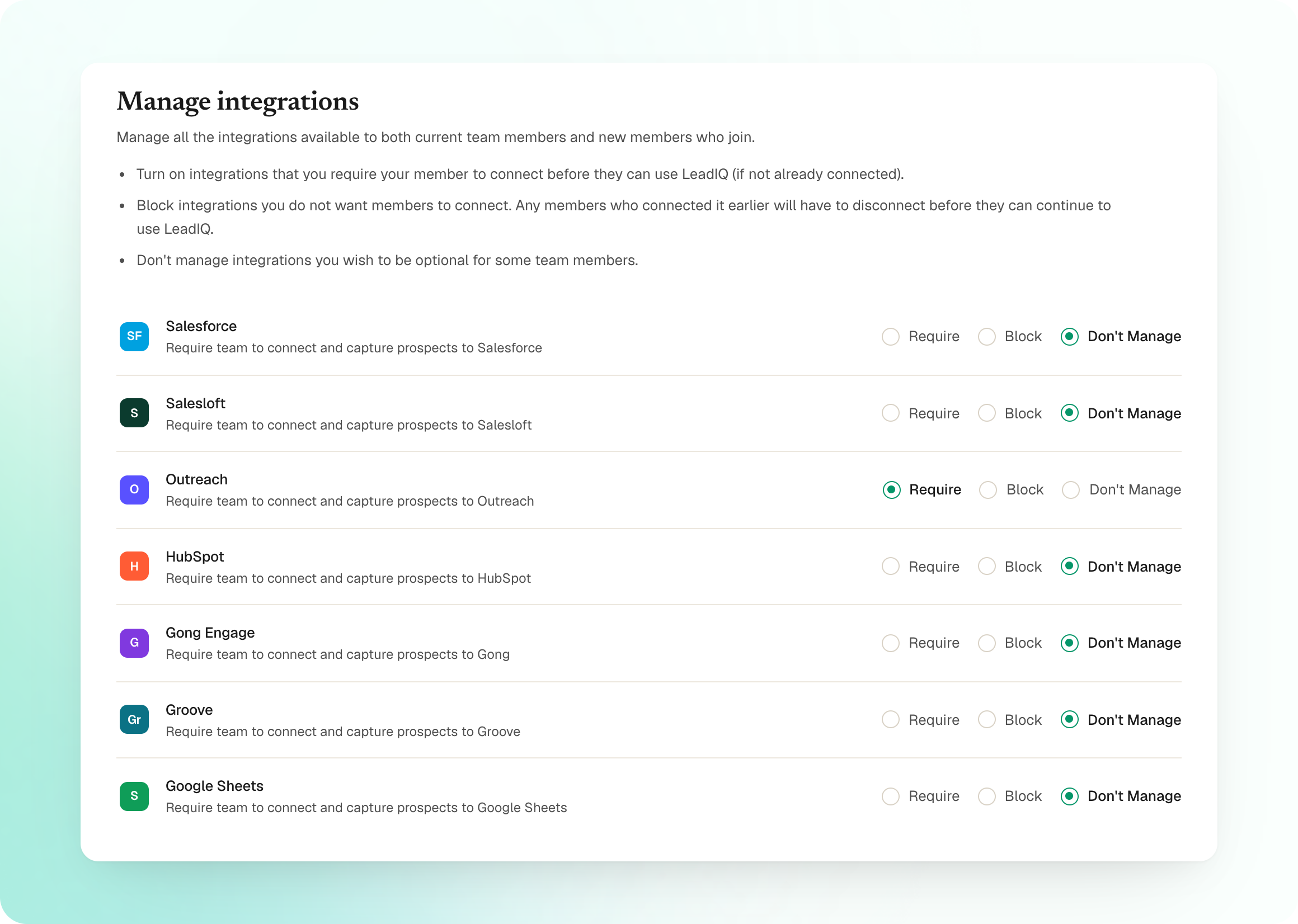
Take a look at Settings > Team > Group Governance settings to see where this lives for your org.
Questions? Reach out to your AM or our help center.

.png)